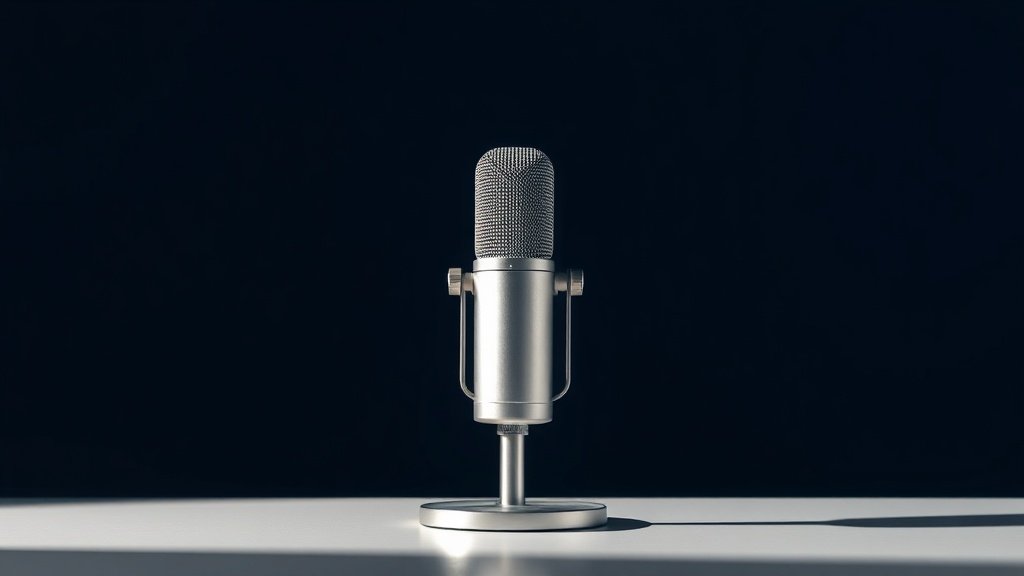
Your viewers will forgive a lot — a dropped frame here, a slightly dark corner there — but nothing kills a stream faster than bad audio. A tinny, echo-heavy, or noisy microphone sends people to the next channel within seconds. If you’re serious about building an audience on Twitch, a decent microphone is the single most impactful upgrade you can make.
This guide cuts through the noise (literally) and ranks the best microphones for Twitch streamers in 2026. Whether you’re just starting out and need something plug-and-play, or you’re a seasoned broadcaster ready to invest in a serious setup, there’s a pick here for you. Every recommendation is based on real value, not hype.
We’ve kept this list tight and practical. Read through the picks, check the angles, and find the mic that fits your stream — your audience will thank you.
How to choose your Twitch microphone
The first decision is connection type. USB microphones plug straight into your computer — no extra gear needed, which makes them ideal for beginners or anyone who wants a clean, simple setup. XLR microphones offer better audio quality and flexibility, but they require an audio interface or mixer, which adds cost and complexity. If you’re just starting out, USB is almost always the right call.
Polar pattern matters more than most people realise. A cardioid polar pattern picks up sound from the front and rejects noise from the sides and rear — perfect for a single streamer at a desk. If your room is echo-y or you have a noisy PC, this directional focus helps enormously. Some microphones offer multiple patterns, which is useful if you ever want to record with a guest or switch to a different recording style.
Think about your room before you buy. An expensive microphone in a bare, reverb-heavy room will still sound worse than a mid-range mic in a treated space. Simple fixes like bookshelves full of books, soft furnishings, and keeping the mic close to your mouth make a huge difference. Most dedicated streaming microphones are designed to be used up close, so position matters.
Build quality and desk footprint are practical concerns that often get overlooked. A microphone that wobbles, picks up desk vibrations, or takes up half your streaming space is genuinely annoying to use long-term. Look for solid construction and consider whether you want a built-in stand, a separate boom arm, or a shock mount.
Finally, think about monitoring. Some microphones include a headphone jack with zero-latency monitoring — meaning you can hear your own voice in real time through headphones. This is surprisingly useful for catching issues mid-stream without fiddling with software settings.
Frequently asked questions
Do I need an XLR microphone to sound professional on Twitch?
Not at all. Modern USB microphones have closed the gap considerably, and many top streamers use USB setups. XLR gives you more headroom for growth and generally better preamps, but a good USB microphone will sound excellent for the vast majority of Twitch broadcasts.
How close should I position my microphone when streaming?
Generally speaking, six to twelve inches from your mouth is the sweet spot for most cardioid streaming microphones. The closer you are, the fuller and warmer your voice will sound, and the better the mic can reject background noise. Experiment with positioning before going live — small adjustments make a noticeable difference.
Should I use a pop filter or shock mount?
A pop filter helps reduce plosive sounds — those harsh bursts of air when you say words starting with ‘p’ or ‘b’. A shock mount isolates the microphone from desk vibrations and accidental bumps. Both are worth considering if you want the cleanest possible audio, especially if you type while streaming or have a loud keyboard.
Is a condenser or dynamic microphone better for Twitch?
Condenser microphones are more sensitive and tend to capture a fuller, more detailed sound — great if your room is reasonably quiet. Dynamic microphones are less sensitive and do a better job of rejecting background noise like fan hum, keyboard clatter, and room echo. If you’re streaming in an untreated room, a dynamic microphone is often the smarter choice.
Can I use a gaming headset microphone for Twitch?
You can, but it’s rarely a good idea for anyone serious about streaming. Headset microphones are designed for communication, not broadcast quality. They often sound thin and pick up a lot of background noise. Even the most affordable dedicated streaming microphone will be a noticeable step up in audio quality.
The verdict
Without specific products supplied for this keyword, we’re unable to name individual top picks — but the guidance above will help you make the right call for your stream. Focus on your connection type, room environment, and budget, and you’ll find the right microphone for your Twitch setup in 2026.
For more, browse all our reviews and roundups.
AudioTechExpert is reader-supported. This article contains affiliate links, and we may earn a commission on qualifying purchases at no extra cost to you.
