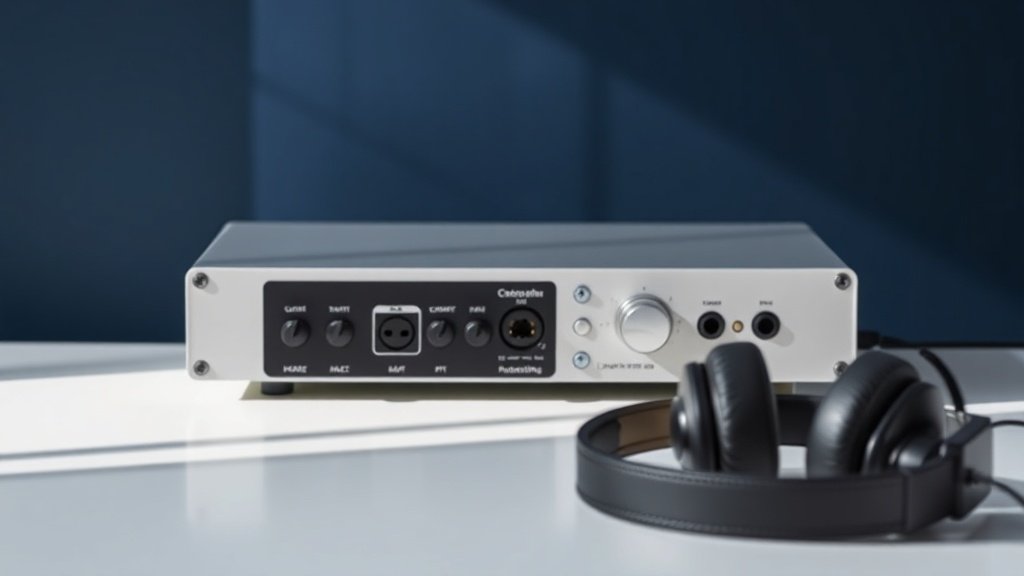
The difference between a £500 home studio and a £5000 one often comes down to three critical gear choices rather than buying everything at once.
Setting up a home recording studio on a budget requires understanding which components actually affect your recording quality and which are merely convenient additions. After years of obsessively buying, using and comparing audio gear, the most productive recordings often happen in the most modest setups.
This guide covers the essential gear hierarchy for budget home studios, the specific products that deliver professional results without premium prices, and the common purchasing mistakes that waste money on features you will never use.
Start With Your Audio Interface
Your audio interface converts analogue signals to digital and determines the quality ceiling for everything you record. The Focusrite Scarlett Solo provides clean preamps and reliable drivers for under £120, making it the foundation choice for single-microphone recording. The Scarlett 2i2 adds a second input for £150, essential if you plan to record stereo sources or multiple instruments simultaneously.
Both interfaces handle 24-bit recording at sample rates up to 192kHz, though 24-bit at 48kHz captures everything most home producers need. The preamp quality in these units matches interfaces costing three times more, with the main difference being additional inputs and outputs rather than sound quality. Avoid USB-powered interfaces if you plan to use condenser microphones that require significant phantom power.
The Behringer UMC202HD offers similar specifications for £80 but requires more careful driver management on Windows systems. The extra £40 for Focusrite buys you superior software support and more reliable long-term performance, making it worthwhile for most users.
Choose Your Microphone Based on Your Room
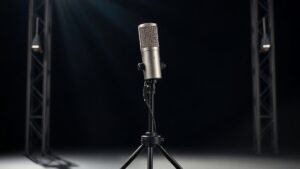
Room acoustics dictate microphone choice more than musical style or budget constraints. Untreated rooms with hard surfaces benefit from dynamic microphones like the Shure SM57, which costs £100 and rejects room reflections while capturing vocals and instruments with clarity. The SM57 works equally well on guitar amplifiers, snare drums, and vocal recording, making it the most versatile first microphone.
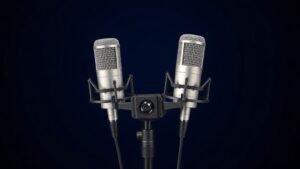
Condenser microphones capture more detail but also capture more room problems. The Audio-Technica AT2020 provides professional condenser performance for £150, but only invest in condensers after addressing basic room treatment. Large-diaphragm condensers like the Rode PodMic, actually a dynamic design optimised for broadcast applications, split the difference at £200 with detailed vocal capture and good rejection of room noise.
Ribbon microphones offer smooth, natural sound but start around £400 for decent quality and require careful handling. Save ribbon purchases until you understand your recording needs and have addressed room acoustics through positioning and basic treatment.
The right microphone in the wrong room sounds worse than an average microphone in a well-treated space.
Monitor Your Recordings Accurately
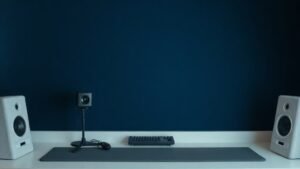
Accurate monitoring lets you hear what you actually recorded rather than what your room acoustics want you to hear. The Yamaha HS5 studio monitors cost £300 for a pair and provide honest, detailed playback that translates well to other systems. These monitors reveal problems in recordings without the flattering coloration that makes bad recordings sound acceptable during tracking.
Room placement matters more than monitor cost. Position monitors at ear level, angled toward your listening position, with at least three feet between them and any wall. The triangle between your head and the two monitors should be equilateral, typically with monitors three to five feet apart for nearfield listening.
Budget alternatives include the PreSonus Eris E3.5 monitors for £150 per pair, though these work better for mixing than critical listening during recording. Closed-back headphones like the Audio-Technica ATH-M40x provide accurate monitoring for £100 and work well in untreated rooms where speakers would create feedback or pick up unwanted reflections.
Essential Accessories and Cables
Quality cables prevent noise and signal loss that degrades recordings. XLR cables for microphones should be balanced and well-shielded; the Neutrik connectors on Van Damme cables provide professional reliability for £15-25 per cable depending on length. Instrument cables need less shielding but benefit from quality connectors that maintain signal integrity over time.
A decent microphone stand prevents handling noise and maintains consistent positioning between takes. The K&M 210/2 boom stand costs £60 and supports any microphone weight while staying positioned reliably. Pop filters reduce plosive sounds for £15-20, while reflection filters like the Aston Halo provide some acoustic control for £100, though proper room positioning works better than most portable acoustic treatments.
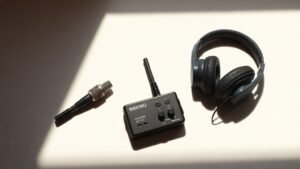
Closed-back headphones for tracking prevent click tracks and backing tracks from bleeding into microphone recordings. The Sony MDR-7506 headphones provide clear, detailed monitoring for £120 and remain comfortable during long recording sessions. These headphones also work well for editing and mixing when studio monitors are not practical.
Software and Digital Audio Workstations
Most audio interfaces include basic recording software that handles multitrack recording and mixing. Focusrite interfaces include Ableton Live Lite and Pro Tools First, both capable of professional recordings with some track limitations. Reaper offers full professional features for £50 with a 60-day free trial, making it the best value for comprehensive recording capability.
Free options include GarageBand on Mac systems and Audacity for basic recording and editing. These programs handle most home recording needs without additional cost, though they lack some advanced features like comprehensive MIDI support and professional mixing plugins. Logic Pro costs £200 but includes extensive instrument libraries and professional mixing tools that would cost more if purchased separately.
Focus on learning one program thoroughly rather than collecting multiple options. The recording and mixing skills you develop matter more than the specific software you use, and most programs can produce professional results when operated by someone who understands their capabilities and limitations.
Buying too much gear before understanding your actual recording needs wastes money on features you will not use. Start with the basic signal chain of interface, microphone, and monitoring, then add equipment based on what you actually record rather than what you think you might need someday.
Prioritising expensive microphones over room acoustics produces disappointing recordings regardless of gear quality. A £100 microphone in a well-positioned, acoustically controlled space outperforms a £500 microphone in an untreated room with poor positioning and excessive reflections.
Skipping quality monitoring to save money makes it impossible to evaluate your recordings accurately. Decent headphones or monitors let you hear problems during recording when they can be fixed, rather than discovering issues during mixing when solutions become much more complicated and time-consuming.
Conclusion
A functional home recording studio requires an audio interface, one good microphone, reliable monitoring, and basic accessories, typically costing £500-800 for quality components. Focus spending on gear that directly affects recording quality rather than convenience features, and upgrade components based on actual recording experience rather than specifications or marketing claims.

FREE DOWNLOAD
Stop Guessing. Start Buying Smart.
The specs that actually matter, demystified.
Headphones, microphones, the spec sheet jargon you can ignore — all in one quick-reference PDF. Free, instant, no fluff.
Send Me the CheatsheetYou'll also receive occasional new guide notifications. Unsubscribe anytime. No spam, ever.