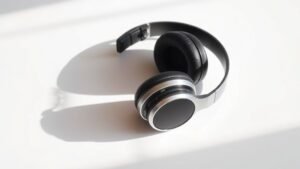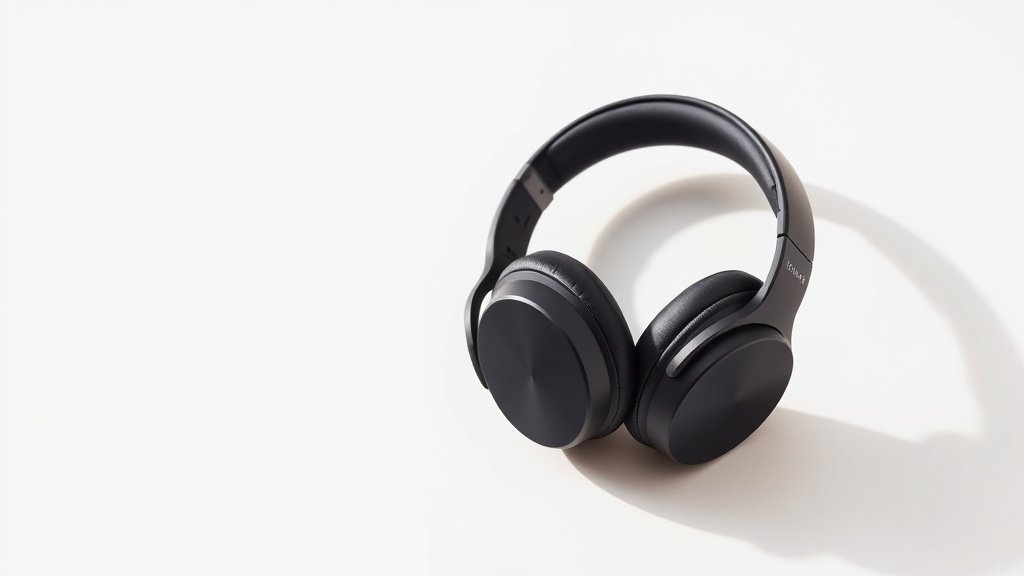
Most wireless headphones force you to choose between your phone and computer, but multipoint Bluetooth eliminates this daily frustration by connecting to both simultaneously.
Multipoint Bluetooth allows a single audio device to maintain active connections with two or more source devices at the same time. Rather than manually disconnecting from your laptop to take a phone call, multipoint headphones automatically pause computer audio and switch to the incoming call, then resume music playback when you hang up.
This guide explains how multipoint Bluetooth works technically, which audio devices currently support it, and the practical benefits for studio work and daily listening. We will cover connection management, audio quality considerations, and common implementation differences across manufacturers.
How Multipoint Bluetooth Works
Traditional Bluetooth audio creates a single point-to-point connection between your headphones and one source device. The Bluetooth stack reserves the audio profile for that connection, preventing other devices from streaming audio until you manually disconnect the first device. This creates the familiar dance of diving into Bluetooth settings whenever you want to switch between phone and computer audio.
Multipoint Bluetooth extends the standard protocol to manage multiple simultaneous connections. The headphones maintain separate audio profiles for each connected device, typically supporting two to three concurrent connections depending on the implementation. When audio starts playing from a secondary device, the headphones automatically pause the primary stream and switch audio routing without breaking either connection.
The Sony WH-1000XM4 demonstrates this seamlessly. You can be listening to a podcast on your laptop when a call comes through on your phone. The headphones automatically pause the podcast, route the phone call through the microphone and drivers, then resume the podcast when you end the call. Both devices remain connected throughout the process, eliminating manual switching delays.
Current Multipoint Implementation Standards
Bluetooth 5.0 and later versions provide the foundation for reliable multipoint connections, though the feature depends on manufacturer implementation rather than automatic protocol support. Most current multipoint headphones support two simultaneous connections, while some professional models extend this to three or four devices. The Jabra Elite 85h supports two-device multipoint with automatic switching based on audio priority rules built into the firmware.
Audio codecs complicate multipoint connections because different devices may negotiate different compression standards. Your phone might connect using AAC while your laptop defaults to SBC, creating potential quality and latency mismatches when switching between sources. The Sennheiser Momentum 4 handles this by maintaining separate codec negotiations for each connected device, though you may notice brief audio dropouts during transitions as the digital signal processing adapts.
Latency becomes more complex with multipoint because the headphones must buffer audio from multiple sources and switch processing chains rapidly. Gaming or video editing work can reveal these delays, particularly when switching from low-latency computer audio to higher-latency phone connections. Professional applications requiring precise audio timing should test multipoint performance before committing to wireless workflows.
Multipoint Bluetooth eliminates the daily frustration of manually switching connections between devices, but introduces complexity in codec handling and audio latency.
Professional and Creative Applications
Studio environments benefit from multipoint when monitoring reference tracks on a computer while staying connected for client calls. The Audio-Technica ATH-M50xBT2 supports this workflow, allowing uninterrupted monitoring sessions with automatic call handling. However, critical listening work should account for the digital processing overhead that multipoint connections introduce, particularly when using noise cancellation simultaneously.
Live streaming and content creation scenarios highlight multipoint advantages. You can monitor your streaming software audio while remaining connected to your phone for coordination calls with team members. The SteelSeries Arctis 7P supports this workflow, though broadcast professionals should test backup connection methods since multipoint complexity increases potential failure points during live production.
Audio interface integration remains limited with current multipoint implementations. Most professional audio interfaces do not recognise multipoint headphones differently from standard Bluetooth connections, so you lose advanced features like direct monitoring or zero-latency input monitoring when working wirelessly. Wired connections remain essential for professional recording and mixing work despite multipoint convenience for general monitoring tasks.
Battery and Performance Considerations
Maintaining multiple Bluetooth connections increases power consumption noticeably compared to single-device operation. The Bose QuietComfort 45 shows approximately 15-20% reduced battery life when using multipoint compared to single-device connections, as the radio must maintain active communication with multiple sources even when only one is playing audio. This overhead continues even during audio silence, as the headphones monitor both connections for incoming signals.
Processing overhead from multipoint can affect noise cancellation performance and overall audio quality. The digital signal processor must allocate resources between connection management, noise cancellation algorithms, and audio processing. Some users report slightly reduced noise cancellation effectiveness when multipoint is active on the Sony WH-1000XM5, though this varies significantly based on environmental conditions and connected device behaviour.
Range and connection stability can suffer when managing multiple devices, particularly if the connected devices are located in different rooms or areas. The headphones must maintain radio contact with all connected sources, so moving away from one device while remaining near another can cause connection drops or audio stuttering. Physical positioning becomes more critical with multipoint setups compared to single-device connections.
Choosing Multipoint-Enabled Audio Devices
Not all manufacturers implement multipoint equally. Some devices support true simultaneous connections with automatic switching, while others offer sequential pairing that still requires manual switching between sources. The Plantronics BackBeat Pro 2 offers genuine multipoint with intelligent audio prioritisation, while some budget models advertise multipoint but require manual intervention for source switching.
Codec support varies significantly across multipoint implementations. Premium models like the Sennheiser PXC 550-II maintain high-quality codec support across multiple connections, while budget multipoint headphones may default to basic SBC encoding for all connections regardless of device capabilities. Professional applications should verify codec support for each intended source device before purchasing.
Gaming-focused multipoint devices often prioritise low latency for primary connections while accepting higher latency for secondary devices. The Corsair Virtuoso RGB Wireless demonstrates this approach, optimising for gaming audio while maintaining basic phone connectivity. This design works well for gaming while staying reachable, but creates unsuitable latency for professional audio applications on secondary connections.
Assuming all multipoint implementations work identically across manufacturers. Each brand handles connection priorities, codec negotiation, and switching logic differently. Test specific models with your intended devices before committing to a wireless workflow.
Expecting professional audio quality on all multipoint connections simultaneously. Most implementations prioritise one connection for quality while accepting compromises on secondary devices. Plan your primary audio source accordingly and treat additional connections as convenience features.
Ignoring battery impact when evaluating multipoint headphones for extended use. Multiple active Bluetooth connections consume significantly more power than single-device operation. Calculate realistic battery life based on multipoint usage patterns rather than manufacturer claims for single-device scenarios.
Conclusion
Multipoint Bluetooth transforms daily audio workflows by eliminating manual connection switching, but introduces complexity in codec handling, battery life, and audio quality. Choose implementations that match your primary use case, test thoroughly with your specific devices, and maintain realistic expectations about professional audio quality across multiple simultaneous connections.

FREE DOWNLOAD
Stop Guessing. Start Buying Smart.
The specs that actually matter, demystified.
Headphones, microphones, the spec sheet jargon you can ignore — all in one quick-reference PDF. Free, instant, no fluff.
Send Me the CheatsheetYou'll also receive occasional new guide notifications. Unsubscribe anytime. No spam, ever.