The room you mix in is shaping every decision you make at the fader, and most of the time it is lying to you in ways that headphones simply cannot fix.
After years of obsessively buying, using and comparing audio gear, I can tell you with confidence that the single most underestimated variable in any mixing environment is the room itself. A pair of Yamaha HS8 monitors placed carelessly in an untreated bedroom will give you a fundamentally misleading picture of your low end, your stereo width, and your reverb tails. The monitors are not the problem. The room is.
This guide covers what actually causes acoustic problems in typical mixing rooms, how to identify where your worst problem areas are without buying a single piece of treatment, and then how to address them in a logical order using materials and methods that do not require a builder or a five-figure budget. I will also cover the software tools that can help you understand what is happening in your room before you spend a penny on foam or panels.
Understanding What Your Room Is Actually Doing
Sound waves do not stop at your ears. They carry on past you, hit the walls, floor, and ceiling, and bounce back into the listening position. In most domestic rooms these reflections arrive within 20 to 50 milliseconds of the direct sound from your speakers, which is fast enough that your brain partially fuses them with the original signal. The result is a smeared, coloured, and often bass-heavy picture of what you are mixing. This is not an abstract problem. It is the reason mixes done in untreated rooms so frequently sound boomy on other systems, or thin and harsh when played back in a car.
The most destructive acoustic phenomenon in a small room is the standing wave, also called a room mode. When the distance between two parallel surfaces is a multiple of half a wavelength of a given frequency, that frequency builds up dramatically at certain points in the room and almost disappears at others. In a typical room with a ceiling height of around 2.4 metres, you will have a strong axial mode at roughly 70 Hz and its harmonics. Mix with your chair a metre further back and that 70 Hz might drop by 10 dB. This is why your mix sounds completely different depending on where you sit, and why an honest measurement is so valuable before you do anything else.
Measuring Your Room Before You Treat It
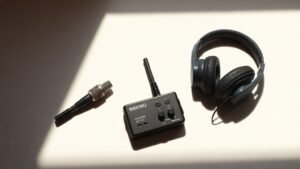
REW, which stands for Room EQ Wizard, is a free measurement application that has become the standard tool for this kind of work. You will need a calibrated measurement microphone to use it properly. The MiniDSP UMIK-1 is the most commonly recommended option at this level because it ships with its own calibration file and connects via USB without needing an audio interface. It costs around 75 pounds and will give you more useful information about your room than almost any other single purchase you could make.
Set up REW, place the UMIK-1 at your mix position at ear height, and run a sweep through your monitors. What you are looking for first is the frequency response at the listening position. Do not be alarmed by what you see. A 15 to 20 dB swing across the frequency range is entirely normal in an untreated room. Note the peaks and the nulls. The peaks, particularly anything above 6 dB in the low-mid or bass region, are where modal buildup is occurring. The nulls are cancellation points and are much harder to treat. Understanding the difference will save you from chasing problems that cannot be solved with foam.
REW also gives you a waterfall or spectrogram view, which shows how long each frequency takes to decay after the signal stops. Ideally you want most frequencies to decay to below -30 dB within 300 to 500 milliseconds in a small room. If you see bass frequencies ringing on for 800 milliseconds or more, that is telling you exactly where your treatment budget needs to go first.
The worst mixing decisions I have ever made were not caused by bad monitors. They were caused by a room I had not yet learned to distrust.
Positioning Your Monitors and Listening Position First
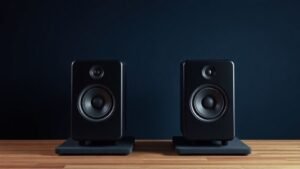
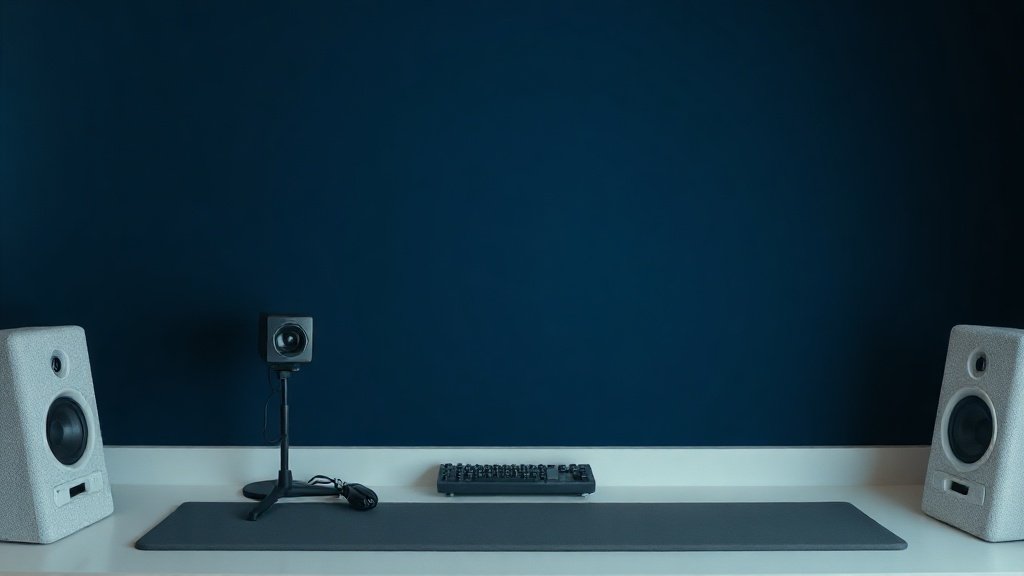
Before you buy a single panel, exhaust everything that costs nothing. Monitor placement has an enormous effect on the low-frequency response at the listening position and on the timing of early reflections. The most widely cited starting point is the equilateral triangle: place your monitors so that the distance between them equals the distance from each monitor to your ears, with the monitors toed in so their tweeters point directly at your head. This is a reasonable default but it is not sacred. Use your REW measurements to verify whether moving the monitors 20 or 30 centimetres in any direction improves the modal situation at the listening position.
Keep your monitors away from corners and walls wherever possible. Bass energy accumulates in corners because three surfaces meet there, and a monitor placed in or near a corner will couple its low-frequency output to that accumulation. Even pulling a monitor 60 centimetres from the side wall can reduce a modal peak by several decibels. Similarly, avoid placing your listening position at the exact midpoint of the room lengthwise, because that is precisely where the most damaging null from the primary axial mode of the room will occur.
Addressing Early Reflections With Targeted Treatment
Once your positioning is optimised, early reflections are the next priority. These are the first bounces from your side walls, ceiling, and the surface of your desk. You can find the reflection points on your side walls using the mirror trick: sit in your mix position and have someone move a mirror along the side wall until you can see the tweeter of the nearest monitor reflected in it. That point is where a first reflection panel needs to go.
For absorption panels at these positions, rigid fibreglass or mineral wool outperforms acoustic foam significantly in the mid and upper frequencies that matter most for stereo imaging and high-frequency clarity. Rockwool RW3 cut to panels of around 60 by 60 centimetres and wrapped in acoustically transparent fabric is a DIY option that costs a fraction of finished commercial panels and performs comparably. For those who prefer a ready-made solution, the GIK Acoustics 242 panel is widely used in home and project studios at a price point that makes treating four to six reflection points practical without significant expense.
The ceiling reflection point directly above and slightly in front of your mix position matters as much as the side walls. A cloud panel suspended horizontally above the desk is one of the highest-value interventions you can make in a typical home studio. If suspension is not practical, even a thick rug or moving blanket draped over a stand can demonstrate how much a ceiling reflection is colouring your perception of the stereo image before you commit to a permanent solution.
Tackling Low-End Problems With Bass Traps
Low-frequency treatment is where most home studios fall short, and it is also where cheap thin foam is essentially useless. To absorb frequencies below 200 Hz effectively, you need material that is physically thick. A 5 centimetre foam tile does almost nothing at 80 Hz. Genuine bass absorption requires mineral wool or fibreglass panels that are at least 10 centimetres thick, and ideally 15 to 20 centimetres, placed in the corners of the room where modal energy is most concentrated.
Floor-to-ceiling corner treatment is the most effective configuration, but even partial coverage of the upper corners behind and beside your mix position will make a measurable difference. Stack your Rockwool panels to achieve the necessary depth. The GIK Acoustics Soffit Trap is another recognised option that delivers meaningful low-frequency absorption in a format that can be placed in corners without requiring construction work. After installing corner treatment, re-run your REW sweep to see how the modal peaks and decay times have changed. This iterative measurement-and-treatment approach is far more reliable than placing panels by guesswork.
It is also worth understanding that bass traps do not eliminate room modes. They reduce the energy stored in them and shorten the decay time, which gives you a more accurate and consistent picture of the low end across your listening position. If your measurements still show a significant peak at a specific frequency after treatment, a hardware or software room correction system may be the appropriate next step.
Room Correction as a Final Layer, Not a Substitute
Digital room correction has improved substantially and it is now a legitimate tool for refining what treatment alone cannot fix. The Sonarworks SoundID Reference software, which works as a plugin in your DAW or as a system-wide process, takes measurements at multiple positions and generates a correction curve that compensates for the modal and tonal irregularities remaining in your room. It does not fix timing problems caused by early reflections, and it cannot address the smearing that comes from excessive reverb time, which is why treatment must come first. But applied to a room that is already reasonably well treated, it can tighten the low-mid region noticeably.
Hardware correction systems such as the miniDSP Flex or units integrated into monitor management systems like the Trinnov ST2 approach the problem differently, applying correction before the signal reaches your amplifier. These are more involved to set up but offer lower latency than plugin-based correction and can be useful in setups where you monitor from multiple sources outside your DAW. At the entry level, the Sonarworks plugin approach is practical and well-regarded. Use it as a final calibration layer, not as a workaround for a room that has not been treated at all.
Treating only the high frequencies and ignoring the low end is the most common mistake in DIY acoustic treatment. Thin foam tiles reduce flutter echo in the upper range, which can make the room sound subjectively better, but they do nothing for the modal buildup below 300 Hz that is actually misleading your mix decisions. Prioritise bass traps in corners before anything else.
Placing monitors symmetrically relative to the room but not measuring the result is a significant error. Symmetry is a starting point, not a guarantee. A room that is nominally symmetrical may have asymmetric modal behaviour due to doors, windows, or furniture on one side. Always verify with measurements rather than assuming the geometry is telling the whole story.
Using room correction software before applying any physical treatment is the wrong sequence. Correction software can compensate for tonal imbalance but it cannot fix poor decay times or smeared imaging caused by untreated reflections. Apply treatment first, measure again, and then use correction software to address what remains rather than asking it to do the work that only physical treatment can do.
Conclusion
Tuning a mixing room without expensive gear is genuinely achievable if you work in the right order: measure first with REW and a calibrated microphone, optimise your monitor and listening position at no cost, then address early reflections and corner bass accumulation with targeted physical treatment before considering any digital correction layer. The room will never be perfect, but it can become honest enough to make decisions you can trust.

FREE DOWNLOAD
Stop Guessing. Start Buying Smart.
The specs that actually matter, demystified.
Headphones, microphones, the spec sheet jargon you can ignore — all in one quick-reference PDF. Free, instant, no fluff.
Send Me the CheatsheetYou'll also receive occasional new guide notifications. Unsubscribe anytime. No spam, ever.